A Children's Audio Bedtime Story in Grandma's Voice
Learn the exact way to make a children's audio bedtime story in grandma's voice with Wonder Machine, including the form-only recording path, MP3 download, sharing, and privacy.
 Brandon Reed
4 min read
Can I make a children's audio bedtime story in grandma's voice? Yes. With Wonder Machine, Grandma can read a short sample aloud and have the whole story narrated in a voice based on her recording.
When your child asks for Grandma after the goodnight video call has ended, her voice can still be part of bedtime. The same goes for a parent who can’t be home that night.
The recording becomes the voice of a Storyscape: a personalized story written, illustrated and narrated for your child. Everything happens in a web browser on a phone, tablet or computer, with no app to install.
Make Room for Grandma at Bedtime
Grandma doesn’t need a grand storyteller voice. The gentle way she talks when your child is tucked beside her is a good place to start: her tone helps shape the narration.

Agree on that bedtime tone together before she records. She can do her part while she’s wide awake, even if your child’s bedtime falls in the middle of her afternoon.
A Story Starring Your Child
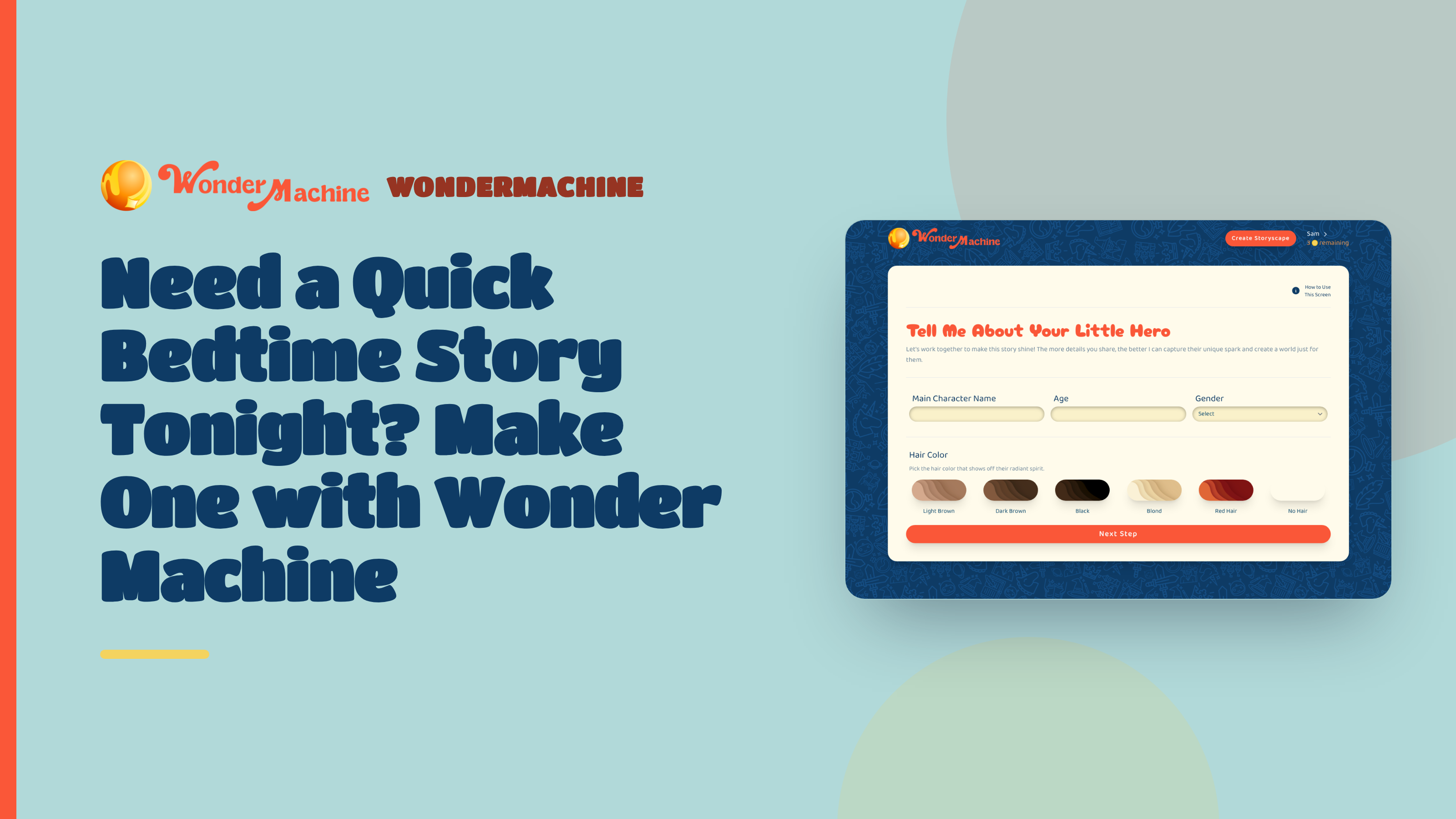
Each Storyscape is written from scratch around your child’s age, appearance and favourite things. Those details shape the adventure and how your little hero looks in the pictures.
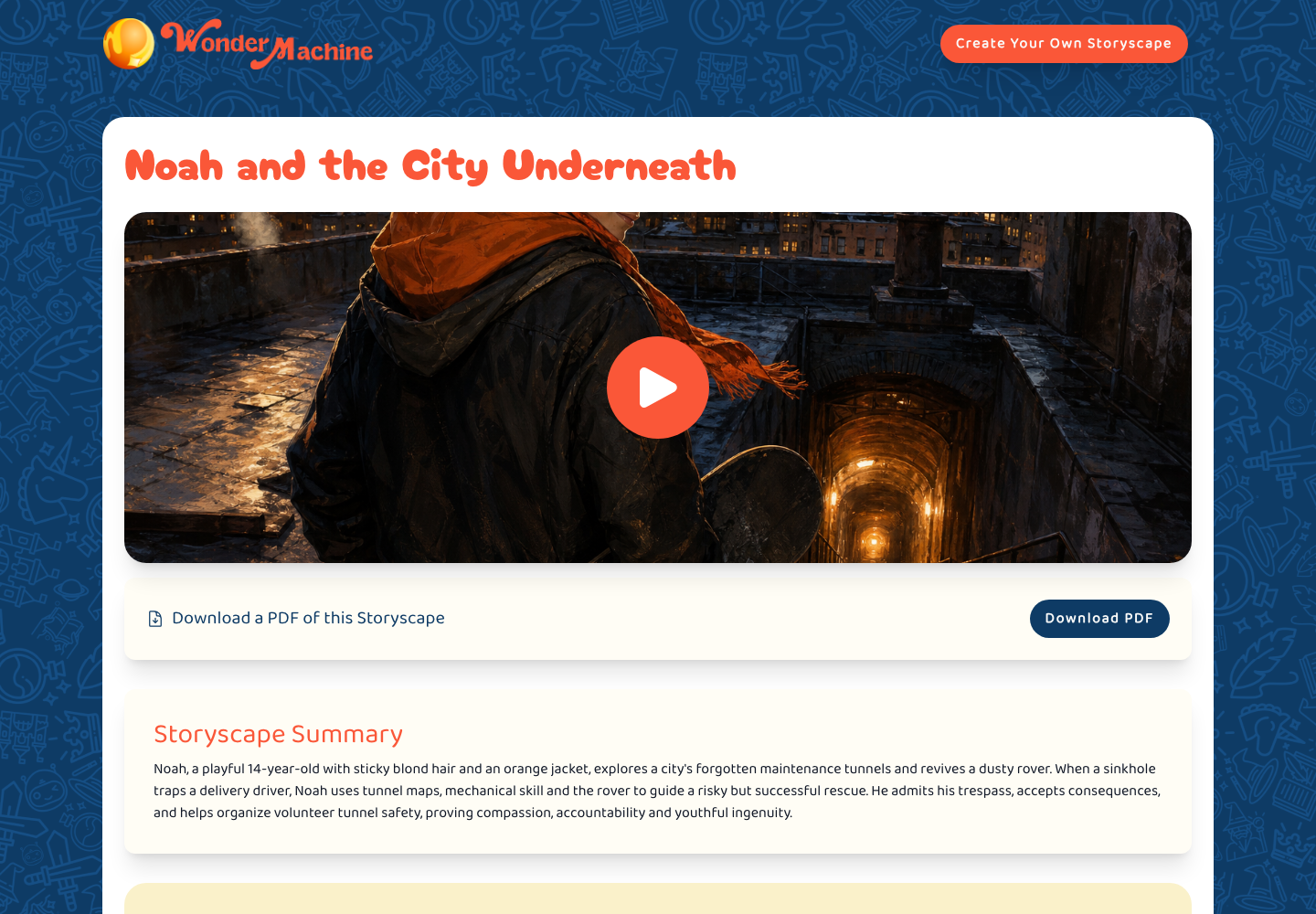
The finished story has five chapters, a cover picture and an illustration for every chapter. It plays as a narrated, page-turning picture book on its private link, with a PDF and downloadable audio.
Choose Bedtime under Story Theme to set the story’s overall tone.
Record Grandma’s Voice
Have a microphone ready and allow the browser to use it when asked.
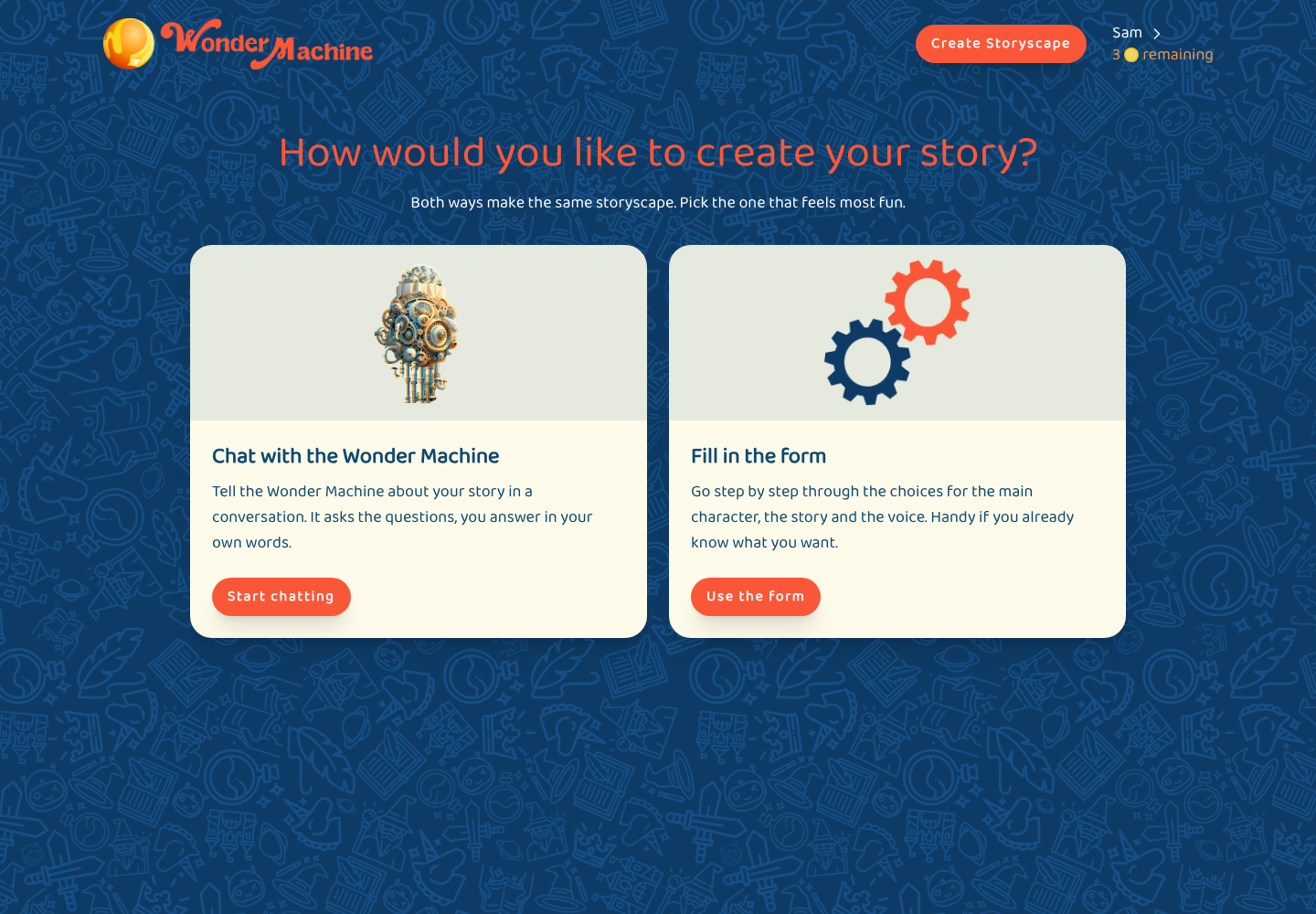
- Log in, click Create Storyscape, choose Fill in the form, then click Use the form.
- Enter your child’s details, choose the story details and illustration style, then click Next Step - Narration.
- At Choose Your Storyteller, click Record Your Own Voice.
- Click the record button and read the words under Read This Sample Text Aloud, not the whole story. Stop, then use Play Recording to check it or Discard Recording to try again.
- Click Click to Upload Recording. Wait for Your voice has been uploaded successfully!, then click Next Step - Review & Edit.
Keep the window open while the story is written. Review each chapter, choose its picture, and set the title and cover. Use Request Changes if needed, then click Finalize. You’ll receive an email with the finished Storyscape’s link.
Listen at Home or Away
At bedtime, open the Storyscape link and press Play. Read again starts it over, and Reading speed includes a slower 0.75× option.
For a car ride or patchy internet, save the narration before you leave. On the Storyscape page, find Tell Your Hero’s Tale Far & Wide and click Download (Audio only). You’ll get an MP3 for offline listening.
To share with far-away family, use Copy in that same section and send the link. Relatives can open and play it without creating an account, including when your child stays overnight with them.
Keep Bedtime Calm, Not Buzzy
Under Weave in What They Love, pick favourites your child enjoys quietly, rather than the ones that send them bouncing around the room. A much-loved rabbit can have a place in the story without a high-speed chase.
Under Anything to Exclude?, list up to five things you’d rather keep out, including fears or subjects that get your child too excited to settle. “Thunder” gives a clearer instruction than “nothing scary.” If you’re Grandma and aren’t sure what belongs there, ask the parent.
The Privacy Part, Plainly
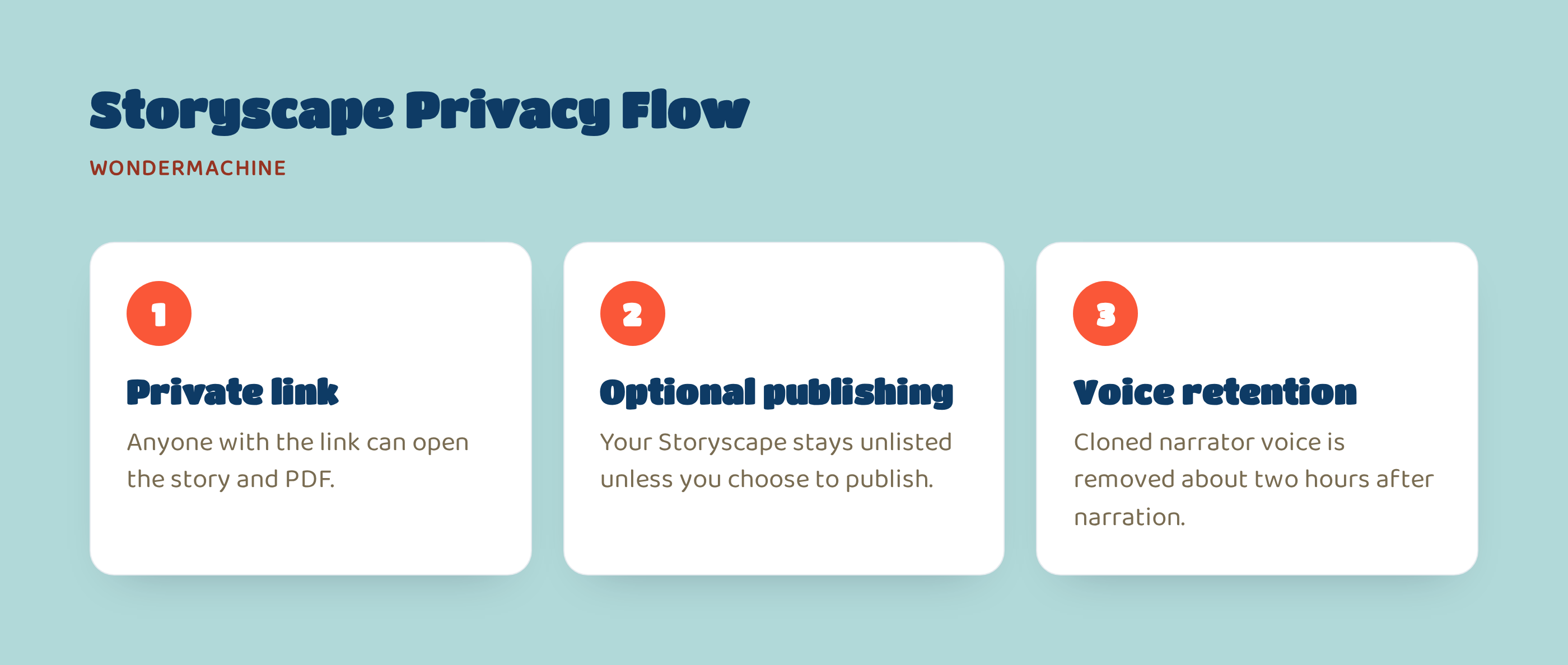
Your Storyscape isn’t listed publicly unless you choose to publish it. Anyone with its private link can open the story and PDF, though. Send it to the people you want to have it, and ask them to check with you before passing it on.
You don’t need to upload a photo of your child. Their appearance comes from the choices you make during creation.
The cloned narrator voice is removed from the voice service about two hours after narration is made. That means the cloned voice, not that every piece of information is deleted then. You can read the privacy policy before recording.
When Grandma has a quiet moment today, invite her to record a short sample for your child’s next bedtime. After the listen, you and your child can send her a little message about how story time went.