Need a Quick Bedtime Story Tonight? Make One with Wonder Machine
Need a new bedtime story tonight? This guide shows the fastest Wonder Machine path, what to enter, what to review, and how long each stage actually takes.
Wonder Machine 5 min read
Need a Quick Bedtime Story Tonight? Make One with Wonder Machine
Your child wants a new bedtime story, and you’re too tired to invent what happens after the rabbit finds a moon-shaped door. Searching for quick bedtime stories leaves you with another task: choosing one, checking the language and skimming for anything too scary.
Wonder Machine turns details about your child and the things they love into a Storyscape: a personalized story, written, illustrated and narrated, with your child as the hero. You supply the ingredients rather than the plot, then review the story before sharing it.
Choose Chat or the Form
Both routes make the same kind of Storyscape. Open Create Storyscape to reach How would you like to create your story? You’ll need an account and at least one story credit to start.
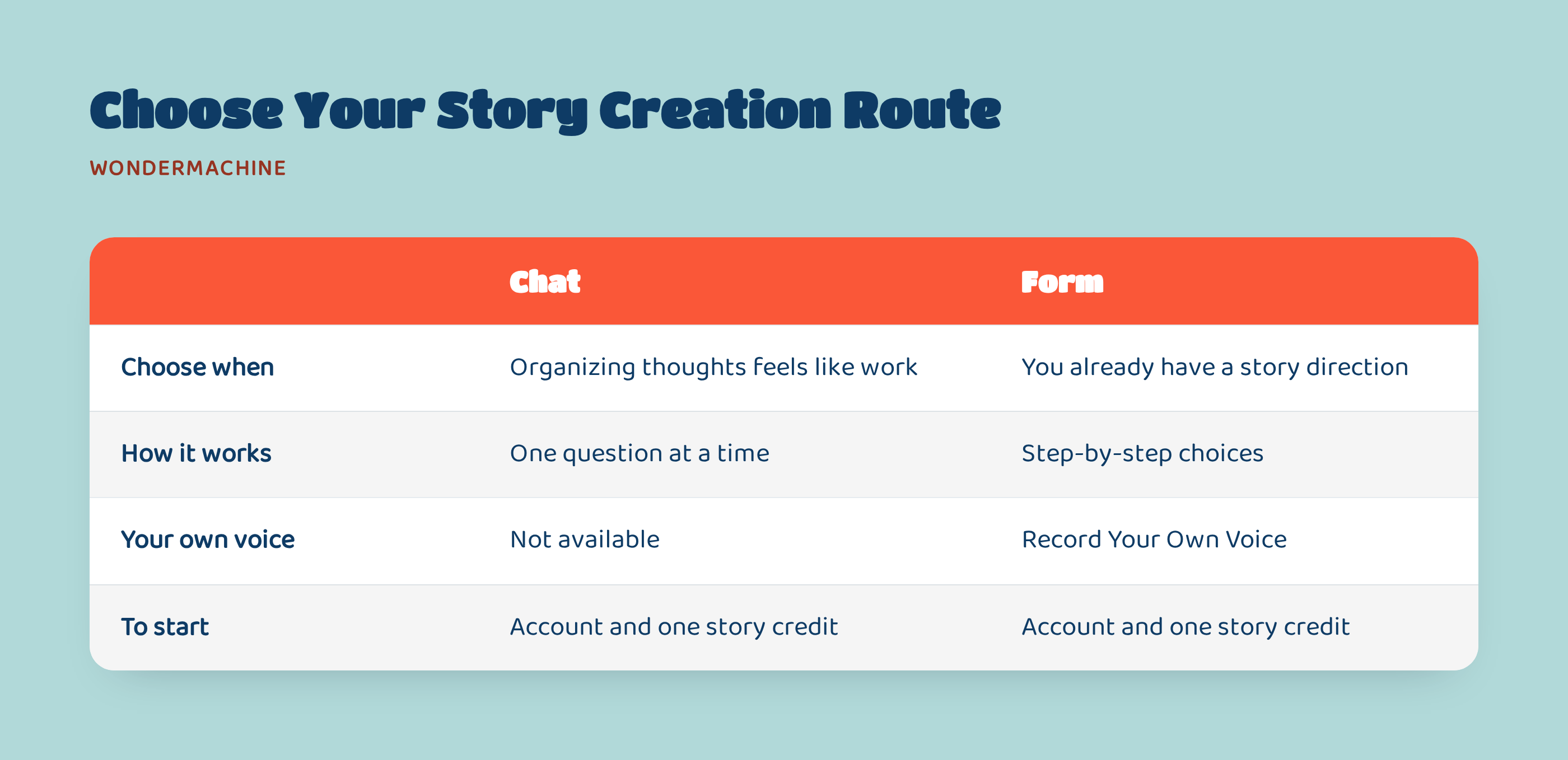
If organizing your thoughts feels like work, choose Chat with the Wonder Machine, then Start chatting. It asks one question at a time; type in your own words or tap the quick options. Use Skip this one › for optional questions. To correct an answer, tap its pencil in the Story recipe.
If you already have a story direction in mind, choose Fill in the form, then Use the form, for step-by-step choices. This is also the route for narration in your own voice: Record Your Own Voice is available only in the form.
Add Your Child’s Bedtime Details
Start with your child’s name, age and looks, including hair color and skin tone, then add what they love. For example, imagine five-year-old Maya, who wears glasses and adores otters. Choose Bedtime and exclude thunder. If a chapter has an otter getting lost, request a quiet walk home instead, then review the new version before finalizing. Maya’s finished Storyscape would open on a private link as a five-chapter, illustrated picture book, with pages turning in time with the narration. The story is written for her age and designed to be suitable for children.
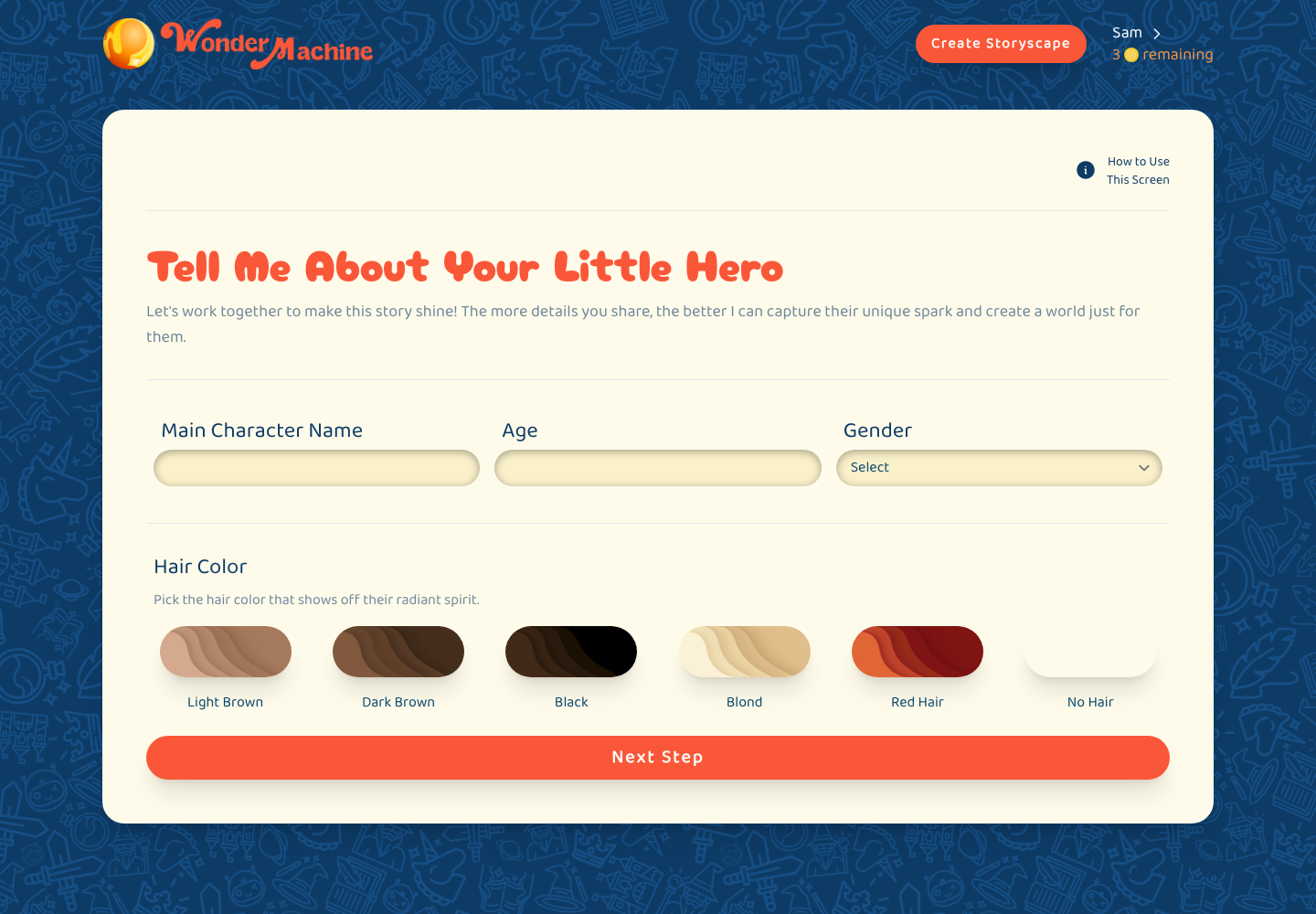
In Choose Their Adventure, the required Story Theme sets the overall tone. Choose Bedtime for tonight. Set the Stage and Sprinkle in Some Extra Magic are optional: you might suggest a floating otter den and a blanket that glows like moonlight. Leave them blank if you have no ideas, or use the magic-wand suggestions.
Under The Heart of Their Story, choose up to three lessons, such as kindness or sharing. In Anything to Exclude?, list up to five things to keep out, such as thunder or spiders. Be specific about what bothers your child. The Bedtime theme shapes the tone; it doesn’t promise that they’ll fall asleep.
Review the Story Before Your Child Hears It
Once the story is written, Review & Edit Your Storyscape shows each chapter’s text alongside two picture options. Read for anything you’d rather soften or leave out. Choose a picture with Select an Image, then use Next Chapter to continue.
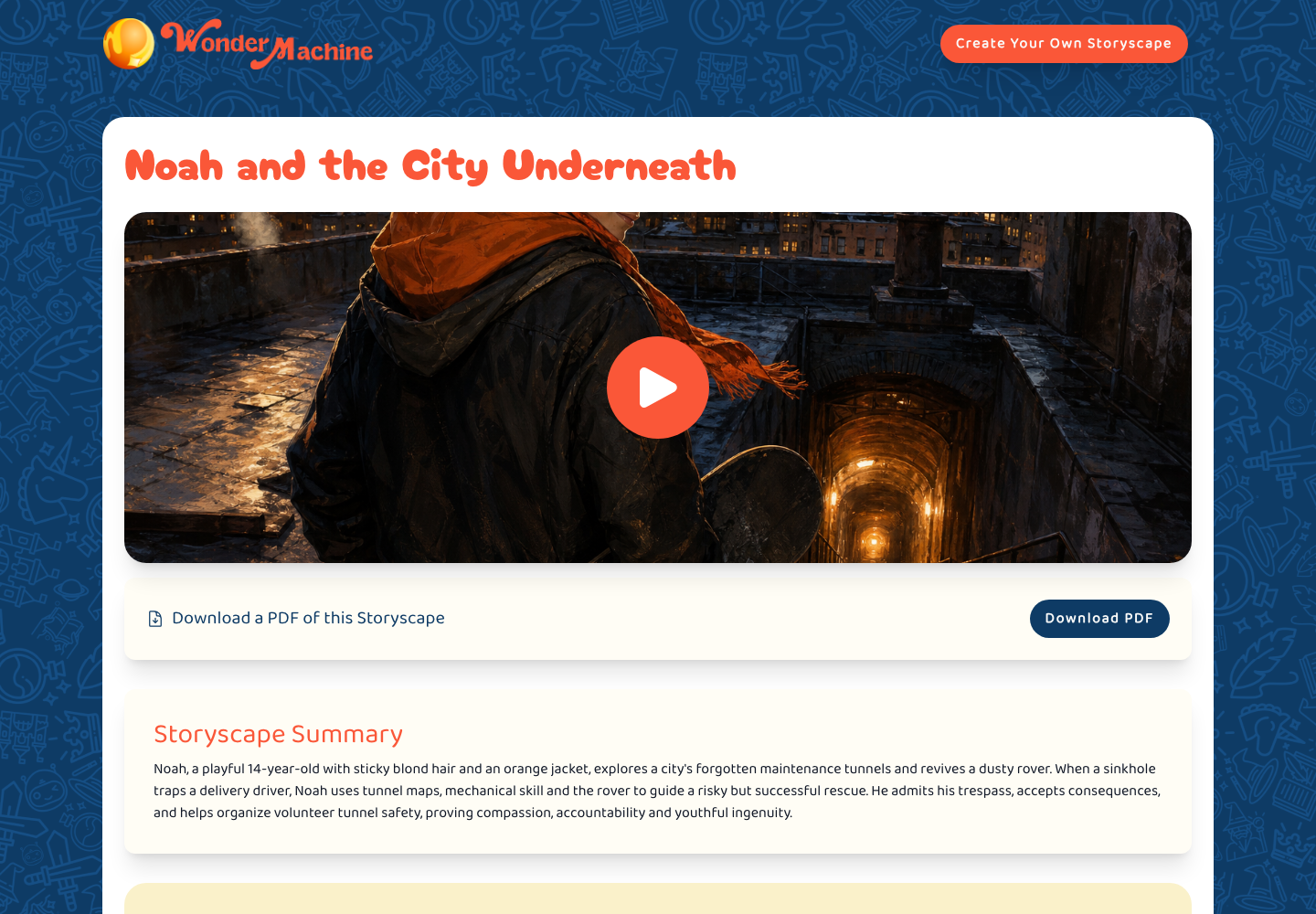
After the chapters, edit the Storyscape Title and choose one of two Cover Image options. Check the pictures as well as the words: an expression or scene may feel different from what you had in mind.
For changes, use Request Changes and describe what you want: “Replace the moment where the otter gets lost with a quiet walk home.” This remakes the whole story and its pictures, rather than changing only that sentence. You can compare Version 1, Version 2 and later versions, so read the revised chapters too.
Click Finalize or Finalize This Version when you’re happy with your chosen version.
Allow Time for Each Stage
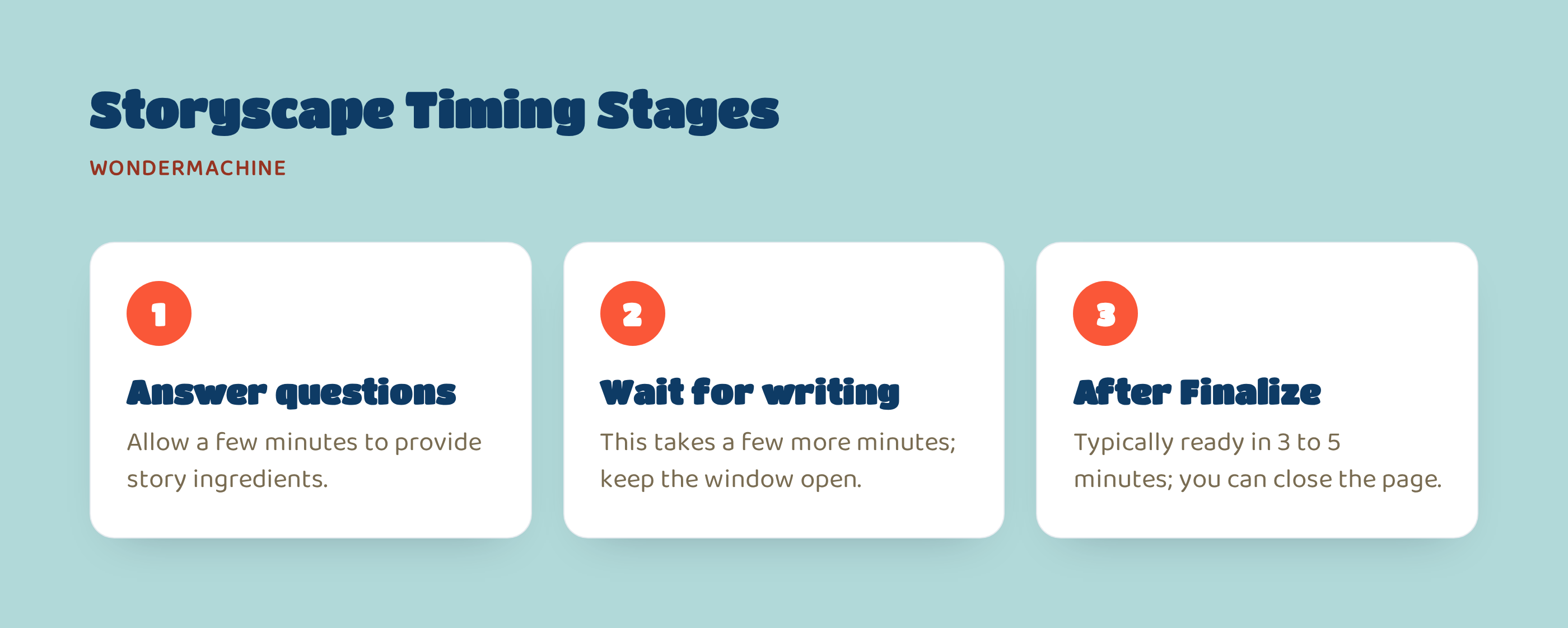
The 3 to 5 minutes shown after Finalize applies to that last stage, not the whole process.
- Answer the questions: allow a few minutes to give the Wonder Machine your story ingredients.
- Wait for the writing: this takes a few more minutes. Keep the window open.
- After Finalize: the finished Storyscape is typically ready in 3 to 5 minutes. You can close the page; you’ll get an email with the link when your Storyscape is ready.
Your choosing and reviewing time sits outside those waits, so start before you need to press play.
Play It Together or Read It Aloud
Your private link opens a five-chapter story with a cover and one illustration per chapter. It plays as a picture book, turning pages in time with the narration. Switch on Read along to highlight words as they’re spoken. Reading speed offers 0.75×, 1× and 1.25×. Five chapters describes the structure, not a verified five-minute listening time.
You also get a PDF for reading together and an MP3 for audio-only listening. To save the MP3, find Tell Your Hero’s Tale Far & Wide on the Storyscape page and choose Download (Audio only).
Story credits come in one-time packs of 1, 3, 5 or 10. They never expire, and there’s no subscription.
Before you begin, you could give your kiddo one small choice: “Which animal should join you tonight?” Let them name a companion, then handle the rest yourself so planning doesn’t become another bedtime activity.
Make tonight’s narrated bedtime story in minutes, with review before play.