How to Make a Read-Aloud Children's Story Feel Personal
Most childrens stories read aloud feel generic because they stop at a name swap. This guide shows how to shape the child, pictures, voice and player so one story feels made for your family.
 Brandon Reed
5 min read
“Just add your child’s name” is common advice for personalizing childrens stories read aloud. Yet the same adventure with a different name can still sound as though it belongs to any child. Start instead with what your child loves, what makes them recognizable and what’s happening in their life.
Why Name Swaps Fail
Think of Mia, six, who loves rockets, wears purple glasses and is nervous about starting school. In a spaceship adventure, bravery might mean asking a crewmate to sit beside her rather than fighting a space monster. That gives you something to talk about together: asking for company when a place feels unfamiliar.
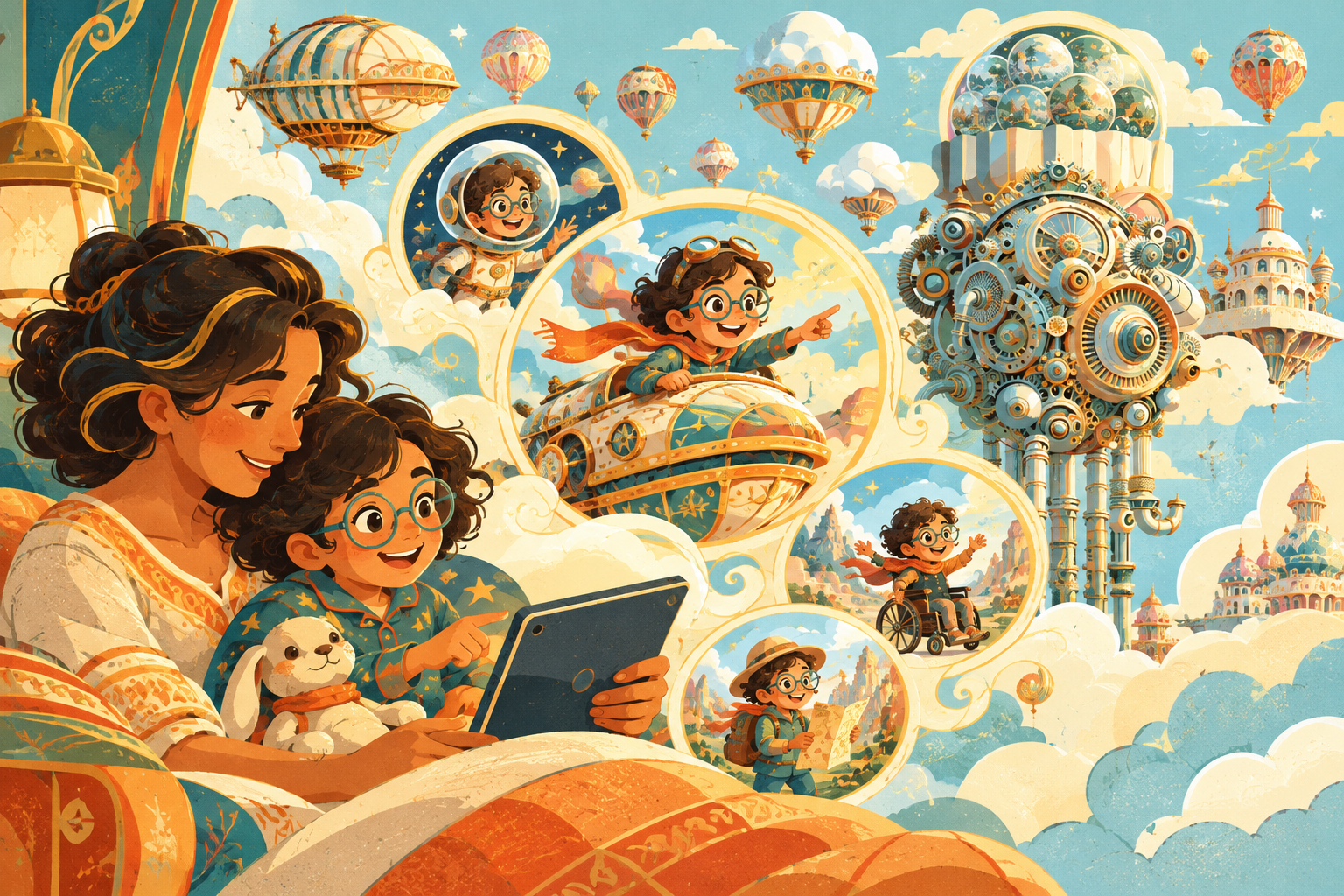
The Wonder Machine calls its personalized story a Storyscape: a story written, illustrated and narrated for your child. Its text is written for their age, and you choose the lessons it carries. For Mia, the thought beneath the adventure could be “you can ask for help.”
Start With the Child
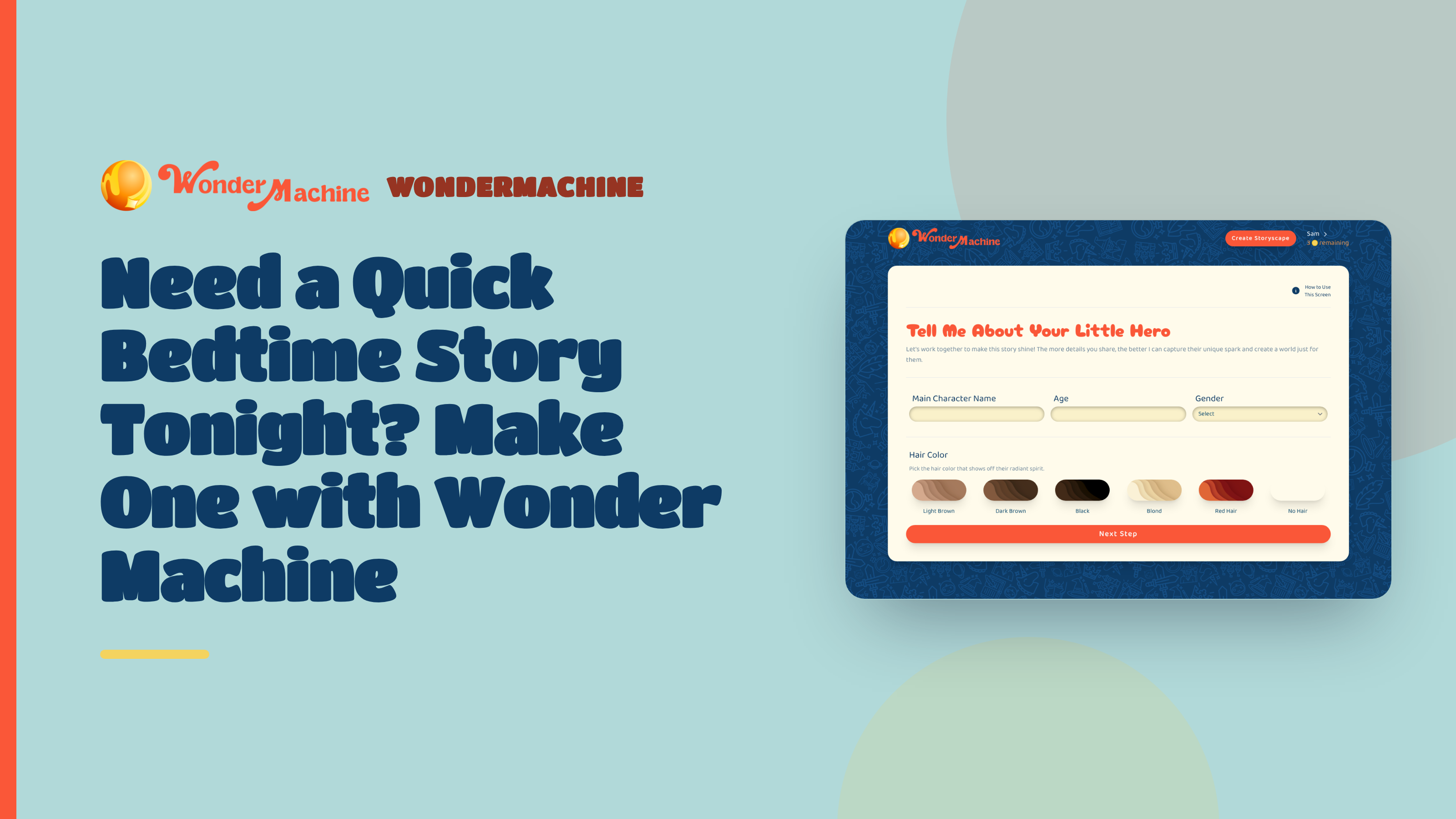
In the Wonder Machine’s form, enter your child’s name and age, then add appearance details and the things they love. Choose hair color and ethnicity, with an optional skin tone. There’s no photo upload: these choices guide how the hero looks.
Use Special Sparkles for up to five optional traits, such as glasses, freckles or a wheelchair. This is where you’d add purple glasses like Mia’s. Choose details your child could point to and say, “That’s me!” rather than broad descriptions such as “lovely” or “special.”
Choose the Moment
In Choose Their Adventure, pick a Story Theme, then use Set the Stage for the setting. For Mia’s school nerves, you could describe the crew’s first day aboard their spaceship. Save the meteor chase for another story.
The Heart of Their Story allows up to three lessons, but you don’t need all three. Kindness could be enough, shown through a crewmate making room for someone new. Adding every family value would crowd that small, welcoming moment.
Use Anything to Exclude? to name things your child finds frightening. If loud storms upset your child, ask to leave thunder out of the story.
Let Pictures Help
In Paint Their World, choose an illustration style, such as Watercolor or Children's Book Illustrations. The same style carries through the cover and all five chapter pictures.
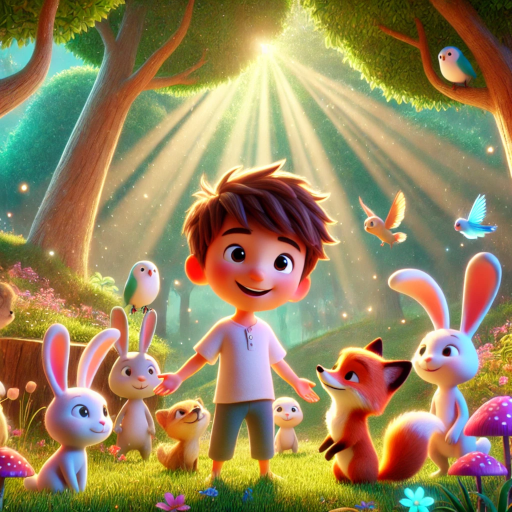
In Review & Edit, choose between two pictures for each chapter, then two cover options. Look for art that supports what’s happening: if Mia is meeting her crew, a picture of her beside a welcoming crewmate may tell you more than a spaceship floating alone. Check her appearance, too, rather than choosing only the grandest view of outer space.
Pick the Voice
For the simplest route, choose Use One of Our Voices in Choose Your Storyteller. The voices are grouped as Female, Male and Creative; tap to hear samples before choosing one for Mia’s journey.
If Mia’s far-away grandparent wants her to hear their voice, they can choose Record Your Own Voice in the form. With a microphone, they read a short sample aloud in the browser. The full story is narrated in a voice recreated from that recording, so they don’t need to read every chapter. They should use the tone they’d use with Mia curled up beside them.
Use the Player
Open Mia’s finished Storyscape beside her on the sofa: it plays as a narrated picture book, turning its own pages in time with the voice. Read along highlights words as they’re spoken, so you can follow the text together. Unlike an MP3 for lights-out listening, the player lets Mia spot her purple glasses on the spaceship, linger over the picture and return to the line where her crewmate welcomes her aboard.
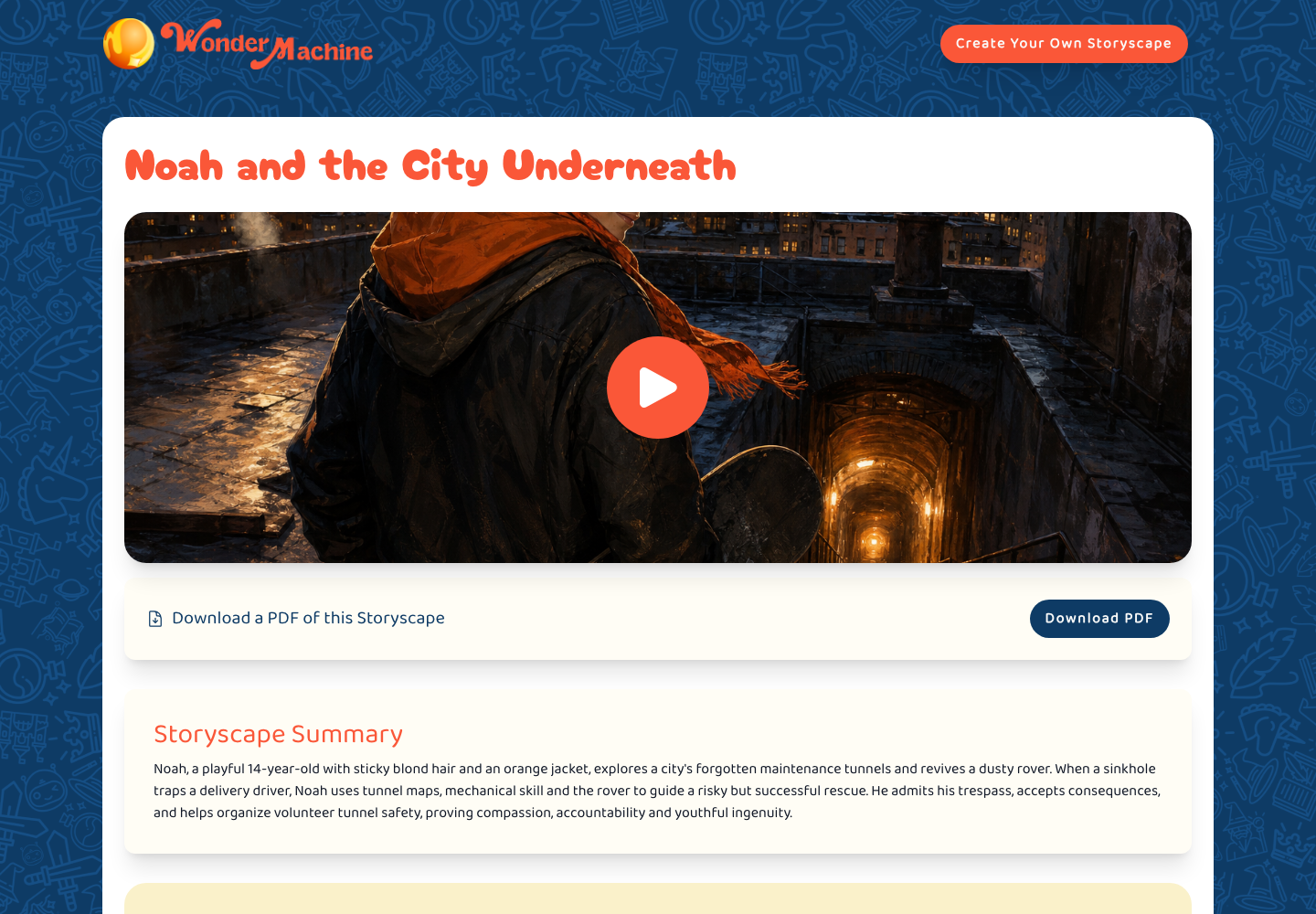
If she stops to talk about a picture, pause the story. Tap any sentence to hear it from there. Under Reading speed, choose 0.75× for a slower telling, 1× for the normal pace or 1.25× for a faster one.
Use the player to share the pictures, follow highlighted words or jump back to a line Mia wants to hear again. When you want to listen without looking at a screen, such as in the car or while settling down, choose Download (Audio only) for an MP3 of the narration.
Review Before Sharing
Before clicking Finalize, read all five chapters. Check that Mia’s first meeting with the crew sounds welcoming and that the ending feels right for the evening you have in mind. You can still edit the Storyscape Title.
If something needs changing, use Request Changes to describe it plainly. The whole story and its pictures are made again, and you can switch between versions before deciding which to finalize.
Once it’s ready, anyone with the private link can open the story. You’ll also have a PDF and the narration to download, so you can send Mia’s grandparent the finished adventure.
Tonight, ask your child, “Where shall we go in your story?” If the answer is a moon made of jelly, write that down exactly.
Create your Storyscape and choose a storyteller or family voice for your next read-aloud.